Tuning guides
7 tuning mistakes that kill an ECU (and how to avoid them)
Voltage drops, interrupted writes, wrong checksums… The 7 mistakes that turn a 30-minute remap into an ECU replacement, and the habits that keep them out of your workshop.
A modern engine ECU costs several hundred euros, often more than €1,000 once coded, not counting the car off the road and a customer to reassure. In most cases the tool is not to blame: it is a method error. Here are the 7 our engineers see most often, and how to make sure they never happen to you.
1. Writing on a tired battery
A full write can take anything from a few minutes to over half an hour depending on the ECU. Meanwhile the ignition is on, fans and modules draw current… and the voltage drops. Below roughly 12 V, some ECUs abort the write: the classic “dead on the first try” scenario.
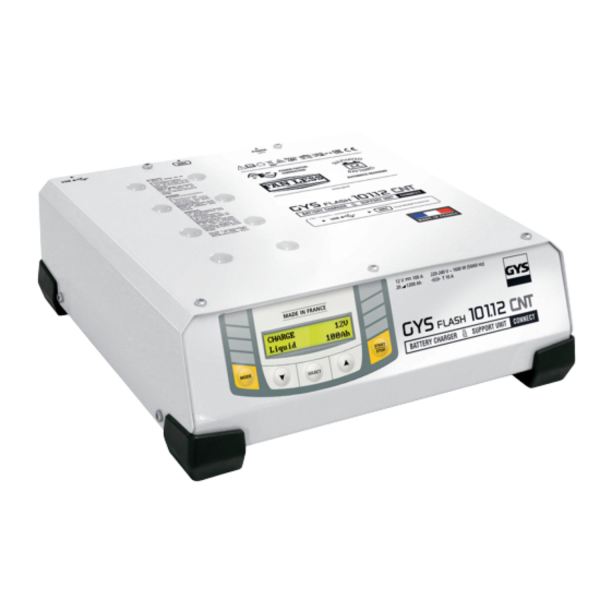
The habit: always connect a battery support unit that can keep up with the car’s consumption, such as the Gysflash 101.12, in power-supply mode, to hold a stable voltage of around 13.5 V for the whole job.
2. Skipping the full backup
Saving only the calibration area means giving up any way back. Always do a full read (flash, EEPROM, identification) and file the original under the customer and vehicle. It is also your proof if the customer comes back.
3. Writing a file without corrected checksums
Every ECU checks the integrity of its software. A modified file whose checksums have not been recalculated will be rejected… or worse, the ECU will not start again. Only write files corrected by your tool, or delivered corrected by your Files Service.
4. Letting the write get interrupted
Laptop going to sleep, USB power saving, a Windows update, a loose cable, a phone hotspot dropping out: an interruption during the write is the number one reason ECUs end up being recovered in Boot mode.
- laptop on mains power, sleep disabled;
- system updates paused during the job;
- original USB cable, plugged in directly, no hub;
- stable internet connection if the tool needs one.
5. Choosing the wrong protocol or wiring
Two ECUs that look identical can need different protocols. Always read the full identification, pick the exact reference in the tool and follow the Bench or Boot wiring diagram to the letter. One misplaced pin can be enough to damage a component.
6. Ignoring the software version
An ECU can be OBD-compatible on one software version… and not on the next. Before promising a turnaround time, check the version in your tool’s compatibility list: you will know whether you need Bench, Boot or an unlock (read our article on Bosch MD1 / MG1 unlocking).
7. Writing a map that does not match the hardware
A Stage 2 file on a stock clutch, torque beyond the gearbox limits: the ECU survives, the mechanics do not. The file must match the hardware actually fitted, and a datalog before and after lets you check pressures, temperatures and fuelling.
On the bench and in Boot mode, the ECU is open. An ESD wrist strap and a clean workbench prevent an invisible fault… that will show up at the customer’s.
The MFT Dev method in three numbers
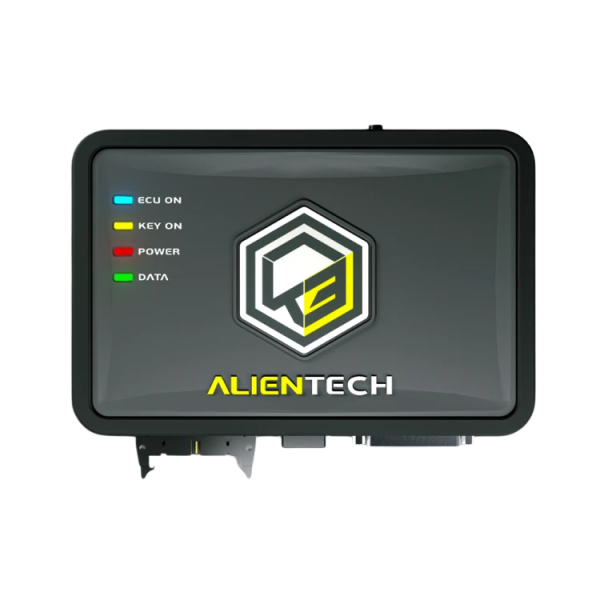
With the MFT Dev Files Service, every file is written by an engineer for the declared hardware, checksums corrected, and delivered within minutes, ready for your KESS3 or HexProg.
Safe files, written for the car on your lift.
Frequently asked questions
My ECU no longer responds after an interrupted write: is it lost?
Not necessarily. Many ECUs can be recovered on the bench or in Boot mode from the original backup. Do not retry writes at random: contact us with the identification and your backup.
What voltage do I need during a remap?
A stable voltage, usually between 13 and 14 V, held by a battery support unit or a lab power supply. What matters is that it never drops during the job.
Can I write a file I found online?
That is the best way to combine mistakes 3 and 7: unknown checksums, hardware and software version that do not match. A file must be made from the vehicle’s own read.