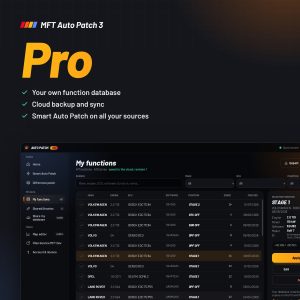
MFT Auto Patch 3, Standard and Pro editions
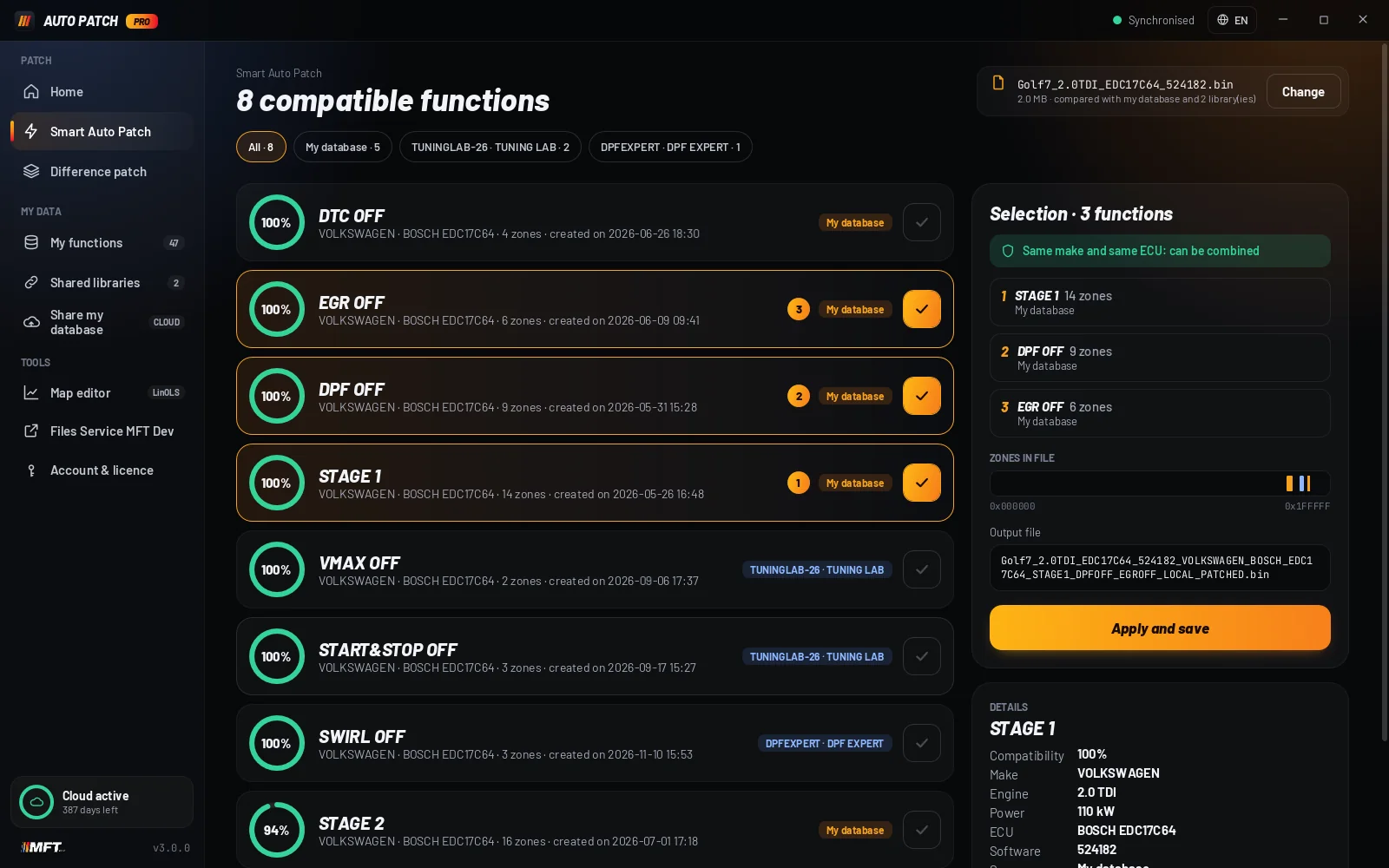
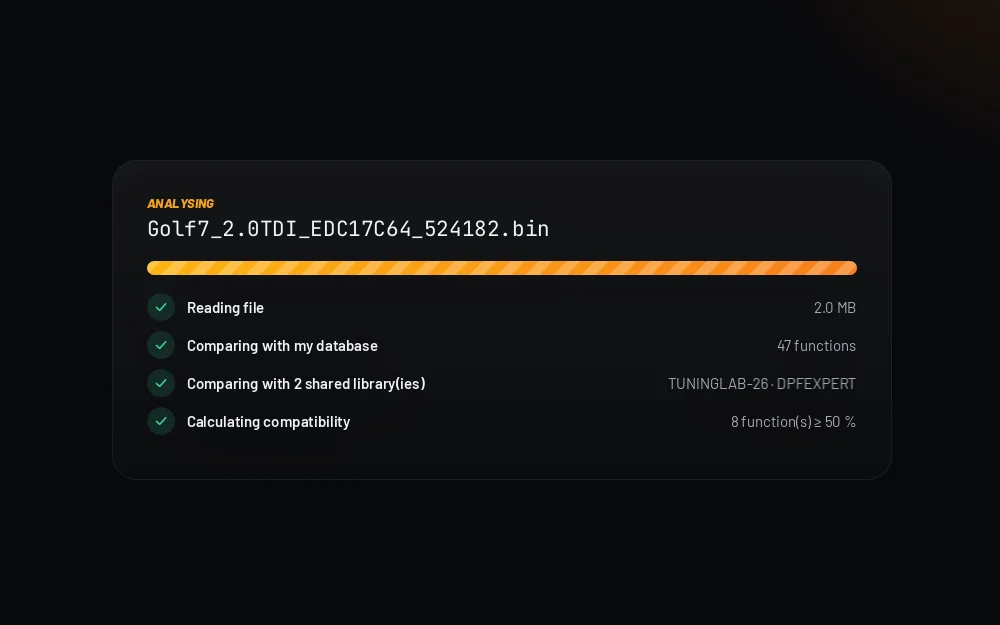
Drop the file. Auto Patch finds the functions that fit.
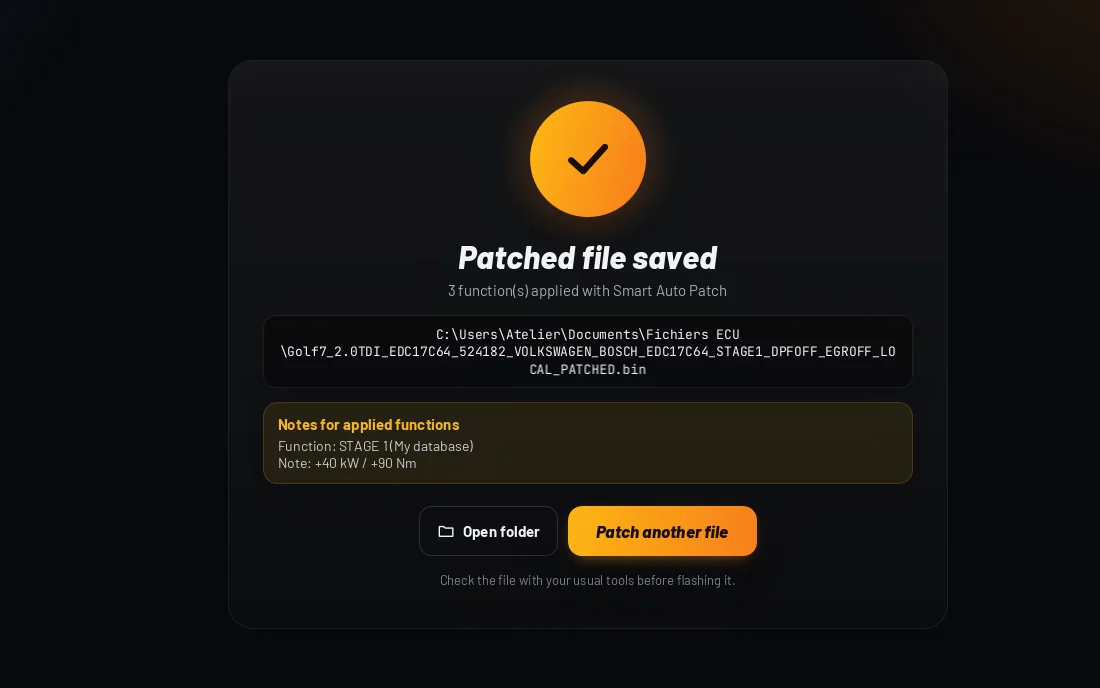
Smart Auto Patch compares your read with your function database and your suppliers' libraries, shows you what is 100% compatible and writes the patched file. Stage 1, DPF OFF and EGR OFF in a single pass.
Auto Patch 2.x customer? Version 3 is free, with 6 months of free Cloud for Pro customers. Update now
From read to patched file
Beyond Smart Auto Patch
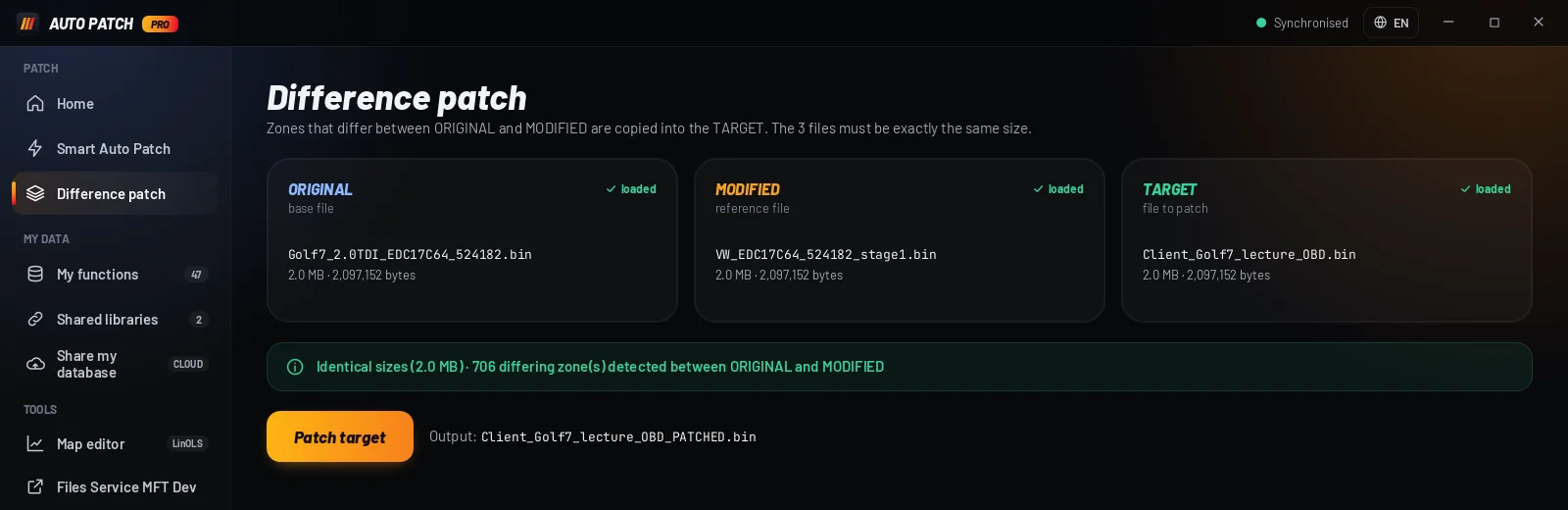
Difference patch
Load the ORIGINAL, the MODIFIED and the TARGET. The areas that differ between original and modified are copied into the target, and nothing else is touched. Ideal for carrying a modification over to a file with the same software reference.
Your function database Pro
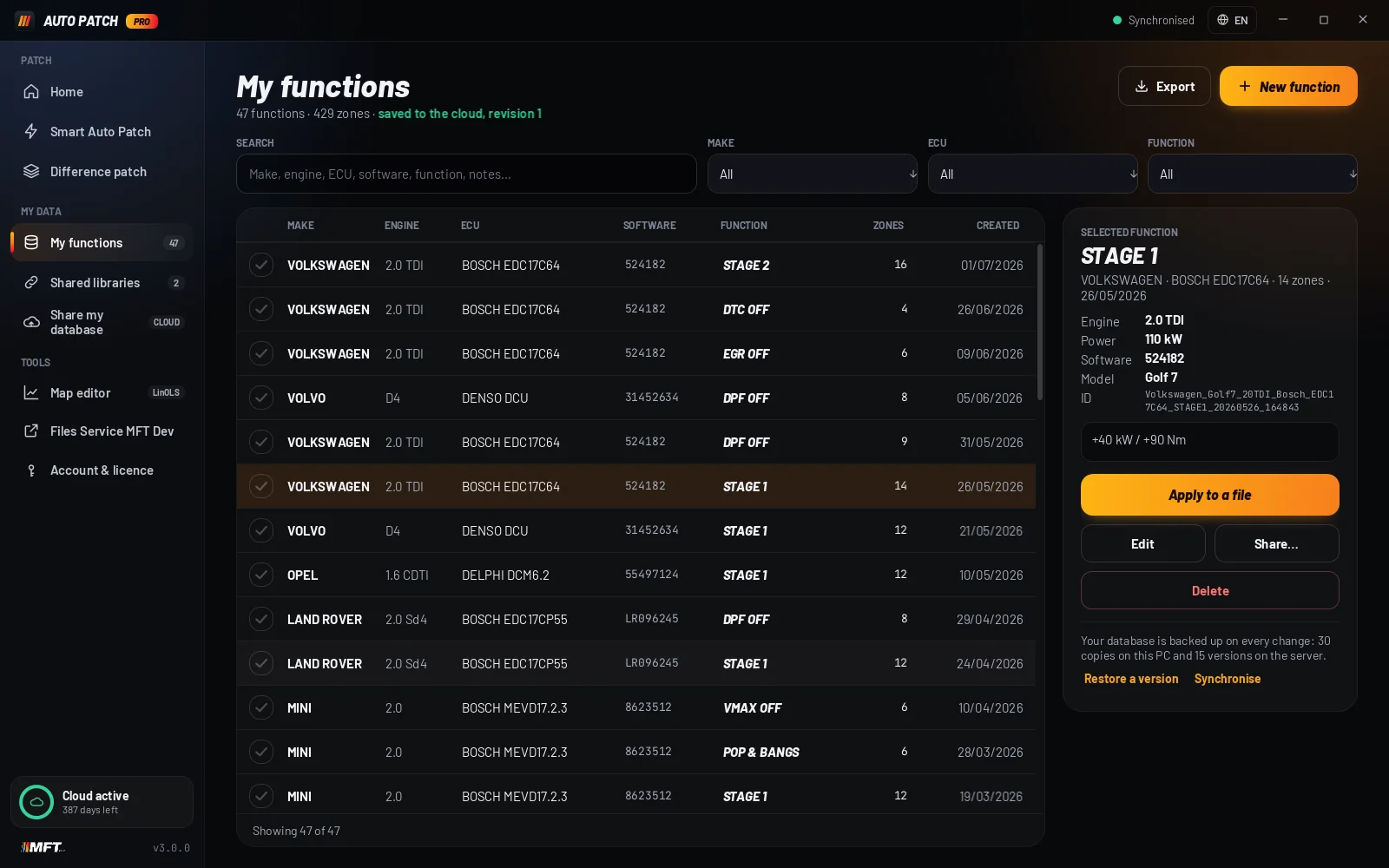
Create a function from an original and a modified file, with make, engine, ECU, software and your notes. Find it again with two filters and apply it in one click.
- Search by make, ECU, function or software
- Saved on every change: 30 copies on the PC, 15 versions on the MFT Dev server
- The same database on all your computers, restore an older version in one click
- Export your functions at any time
Shared libraries and Cloud
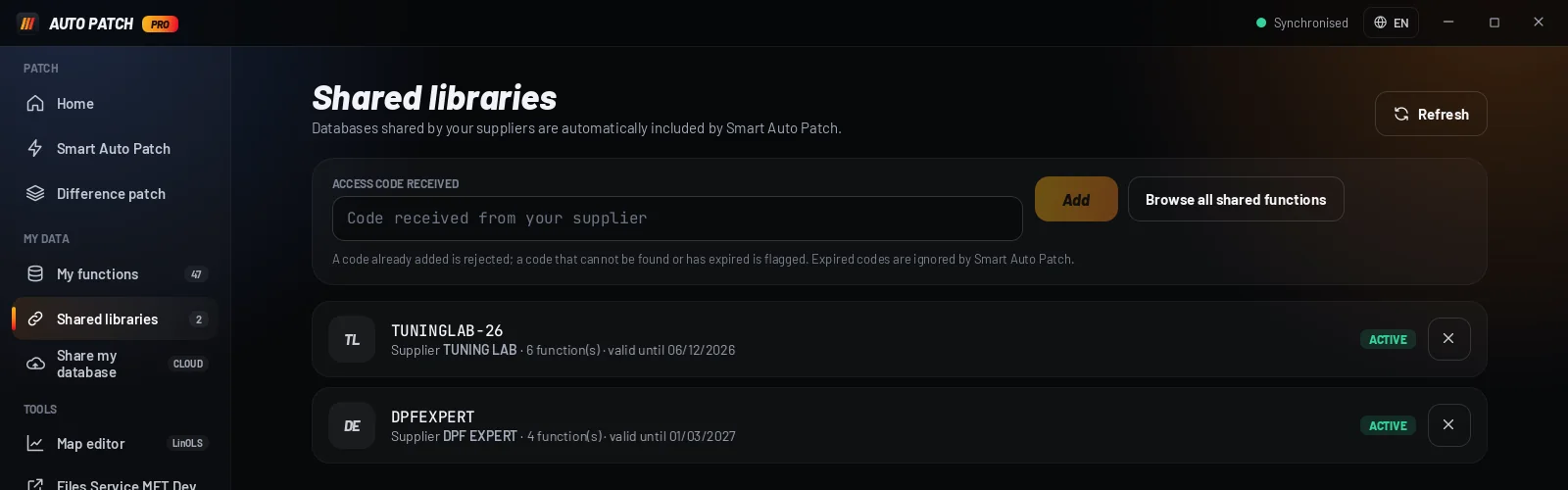
Use your suppliers' databases Standard and Pro
Enter the access code you received from your supplier. Its functions are taken into account automatically by Smart Auto Patch until the code expires.
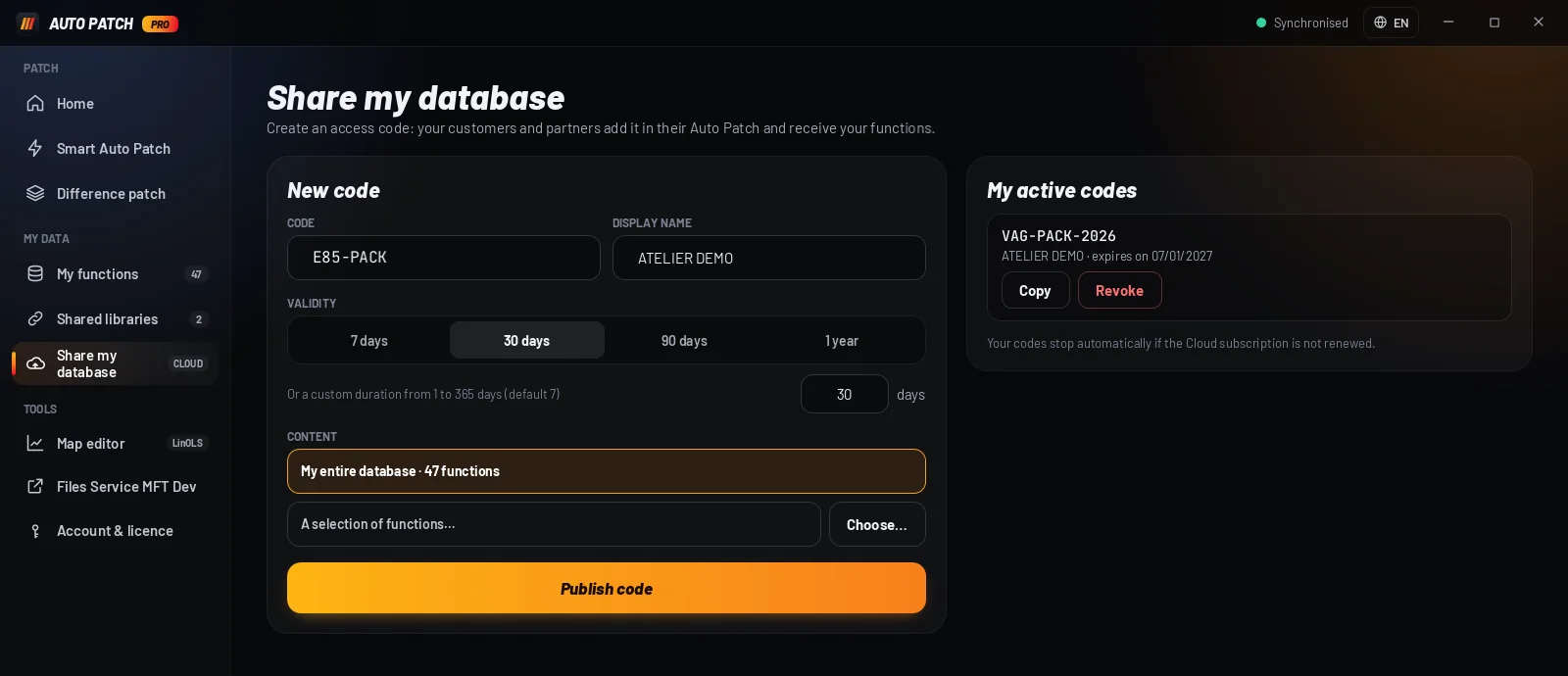
Rent or sell your database Pro + Cloud
Create an access code for your whole database or a selection of functions, valid from 1 to 365 days. Your customers and partners add it to their Auto Patch. The code stops working automatically on its expiry date.
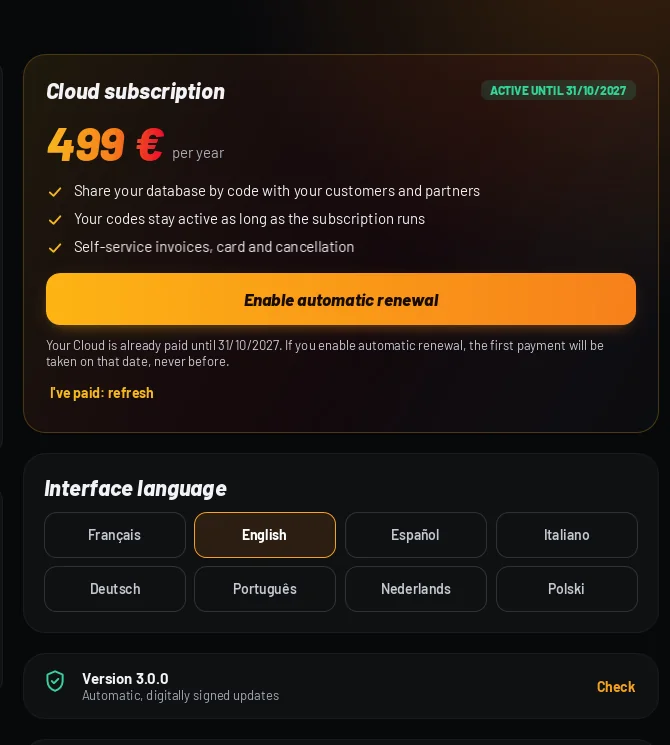
€499excl. VAT per year
Cloud subscription
Activated from the software, in Account and licence. Secure payment by Stripe, invoice with your VAT number, cancel at any time. Backing up your own database is included in Pro.
New in version 3
- 8 languagesFrench, English, Spanish, Italian, German, Portuguese, Dutch and Polish. Switch instantly.
- Automatic updatesInstalled at startup, digitally signed by MFT Dev.
- Offline for up to 7 daysA connection is needed for activation and updates, not for every patch.
- Your computers, in one clickChange computer by releasing the old one in Account and licence.
- LinOLS and Files ServiceThe LinOLS map editor and the MFT Dev Files Service open from the software.
- Windows 10 and 1164-bit. Installs without administrator rights.
Standard or Pro
Standard
To apply your suppliers' functions.
€699excl. VAT
Licence, updates included
- Smart Auto Patch on shared libraries
- Difference patch
- Your suppliers' access codes
- LinOLS editor and Files Service
- 8 languages, automatic updates
Pro
To create, back up and share your own database.
€1,499excl. VAT
Licence, updates included
- Everything in Standard, plus:
- Your own function database
- Smart Auto Patch on your database and your libraries
- Cloud backup and sync across your computers
- Database sharing by code, with the Cloud subscription
Cloud option for Pro: €499 excl. VAT per year, activated from the software.
Detailed comparison
| Feature | Standard | Pro |
|---|---|---|
| Smart Auto Patch on shared libraries | Included | Included |
| Smart Auto Patch on your own database | Not included | Included |
| Difference patch (ORIGINAL, MODIFIED, TARGET) | Included | Included |
| Shared libraries by access code | Included | Included |
| Create, edit and export your functions | Not included | Included |
| Cloud backup of your database, 15 versions | Not included | Included |
| Share, rent or sell your database by code | Not included | With Cloud |
| LinOLS map editor, MFT Dev Files Service | Included | Included |
| 8 languages, signed automatic updates | Included | Included |
Already an Auto Patch 2.x customer?
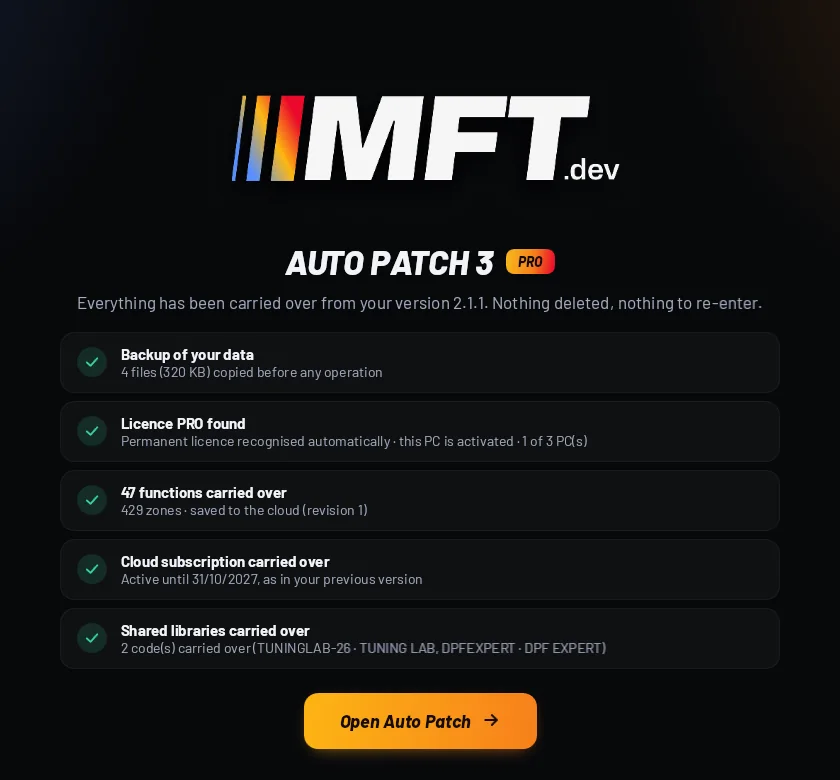
Version 3 is free. Open your Auto Patch as usual and accept the 3.0.0 update, or install it directly. Your licence, functions, Cloud and codes are carried over automatically, with nothing to re-enter.
- Full copy of your data before any change
- Your previous version stays installed
- Pro customers: 6 months of free Cloud when you move to version 3, or your current Cloud expiry date if that is later
Frequently asked questions
Standard or Pro, which one?
Standard applies the functions from the libraries your suppliers share with you and does difference patching. Pro adds your own function database, its cloud backup and, with the Cloud subscription, sharing your database by code.
Is the Cloud subscription required?
No. It is only used to share your database by code: renting, selling, partners. Cloud backup of your own functions is included in Pro.
How many computers?
Two computers per licence, three for 2.x customers. To change computer, release it from Account and licence.
Do I need an internet connection?
For activation and updates. After that, Auto Patch works offline for up to 7 days.
Are my original files modified?
Never. Every patch creates a new file. Always check it with your usual tools before flashing.
Can I upgrade from Standard to Pro?
Yes, from the software (Request the PRO upgrade) or by contacting us. Your data stays in place.
Want a demo or have a question?
We will show you Auto Patch on your own files.
Modifying or disabling emission control systems (DPF, EGR, AdBlue) may be prohibited in your country. You are responsible for how modified files are used.