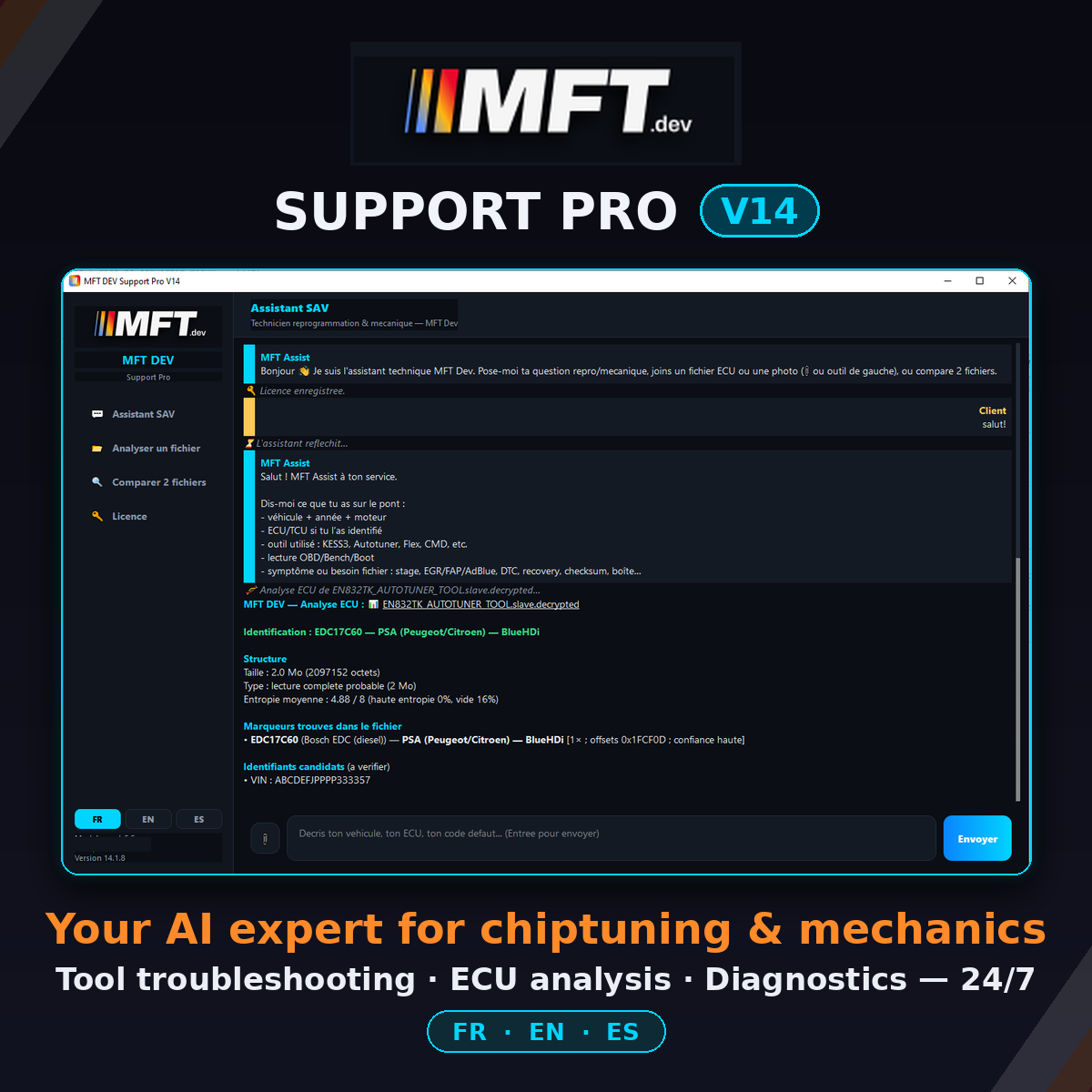
🔥 MFT DEV Support Pro V14 – Your Chiptuning & Mechanics Technical Expert, Available 24/7
A vehicle that won’t restart after a write. A tool that refuses to communicate. A cryptic fault code right after a stage. A customer waiting…
Every workshop knows those moments. MFT DEV Support Pro V14 puts an expert remapping & mechanics technician right beside you, around the clock: it answers, guides you step by step, and gets you unstuck — in English, French or Spanish.
Built for tuners, diagnostic technicians, mechanics, trainers and resellers: less time lost on forums, more vehicles leaving the workshop.
🛠 IT GETS YOU UNSTUCK WHEN THINGS GO WRONG
🔌 Trouble with your flashing tool? It knows your tools.
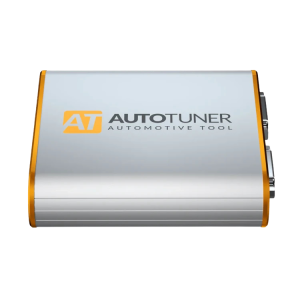
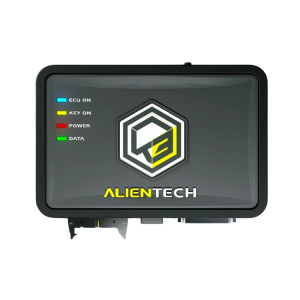
Kess3, PCMFlash, Autotuner and more: describe what’s blocking you, MFT Assist walks you through it.
- Tool won’t communicate: which protocol, OBD / bench / boot mode, power supply, precautions
- Step-by-step read/write procedures, tailored to your tool and the ECU
- Compatibility: which ECU, which vehicle, which tool, which method
- 💡 Vision bonus: snap a photo of your tool’s error message or your wiring, attach it to the chat — the assistant analyses it and answers
🚨 Problem after a remap? It helps you get out of it.
- Fault codes (DTC) after a modification: interpretation and concrete leads to fix them
- Limp mode, hard starts, warning lights: where to start, what to check
- Verify a file before flashing with AI-assisted comparison — avoid the bad file that immobilises the car
🔧 Mechanical fault? It diagnoses with you.
- Symptoms → probable causes: boost, injection, rail pressure, sensors, EGR, DPF, AdBlue…
- Reference values, testing methods, the logical order of checks
- Technical diagrams drawn right in the chat (turbo circuit, injection chain…) — perfect to understand, explain to a customer or train an apprentice
⛽ Conversions and builds
- Biofuel conversions: E85, B100, XTL, e-methanol — what to modify, verify and monitor
- Stage 1/2/3: consistency of the modifications, sensitive areas, best practices
⚡ AND IT ANALYSES YOUR FILES LIKE A PRO
📂 Instant ECU identification, 100% local
Drop a .bin, .hex or .ori file: the built-in engine identifies the ECU (EDC17, MED17, DQ200…) in one second using its embedded signature database, with an ECU/TCU reference base you can browse inside the software. Works even without internet — the file never leaves your PC.
🔍 AI-assisted comparison of 2 files
Original vs modified: changed areas with offsets, expert reading of the differences (boost pressure, torque, timing…). You know what a file contains before you write it.
📸 Reads images, PDFs and logs
A diagnostic report in PDF, a datalog, a photo of an engine plate or a tool screen: attach it, it reads it, it explains it.
🧠 Job memory
The assistant follows the thread: the vehicle, the tool, what you’ve already tried. Multi-step troubleshooting stays consistent from start to finish.
🚀 WHAT IT CHANGES FOR YOUR WORKSHOP
⏱ No more hours on forums and groups: answers in seconds
🔧 A “senior tech” available at all times, even when you’re alone in the workshop
🛡 Fewer mistakes in remapping and diagnostics — and a safety net when things go wrong
📈 The ideal training tool for apprentices and trainees
🌍 Interface and answers in 3 languages (EN/FR/ES) — work and sell internationally
📦 WHAT YOU GET
✔️ The official installer, digitally signed (Certum)
✔️ Your personal license key by e-mail — activated in 30 seconds
✔️ Use on 2 computers (transfer possible via support if you change PC)
✔️ Automatic updates included — the AI engine is kept up to date server-side, nothing to reinstall
✔️ Access to MFT Dev support
⚙️ SYSTEM REQUIREMENTS
- Windows 10 or 11 (64-bit)
- Internet connection for the AI assistant and updates (local ECU identification works offline)
- No complex installation — everything is built in
🔐 Your files stay with you: ECU analysis and file comparison run locally on your PC. Only the questions you choose to ask the assistant travel, encrypted, through MFT Dev servers. No account to create, no third-party cloud.
💬 THEY USE IT
“I load a file, I get a technical report in 2 minutes. A huge time saver.”
“The AI-assisted comparison saved me from a bad file right before flashing it.”
🎯 Next time the workshop grinds to a halt, you won’t face it alone.
➡️ Order MFT DEV Support Pro V14, receive your key by e-mail, and ask your first question 5 minutes from now.